
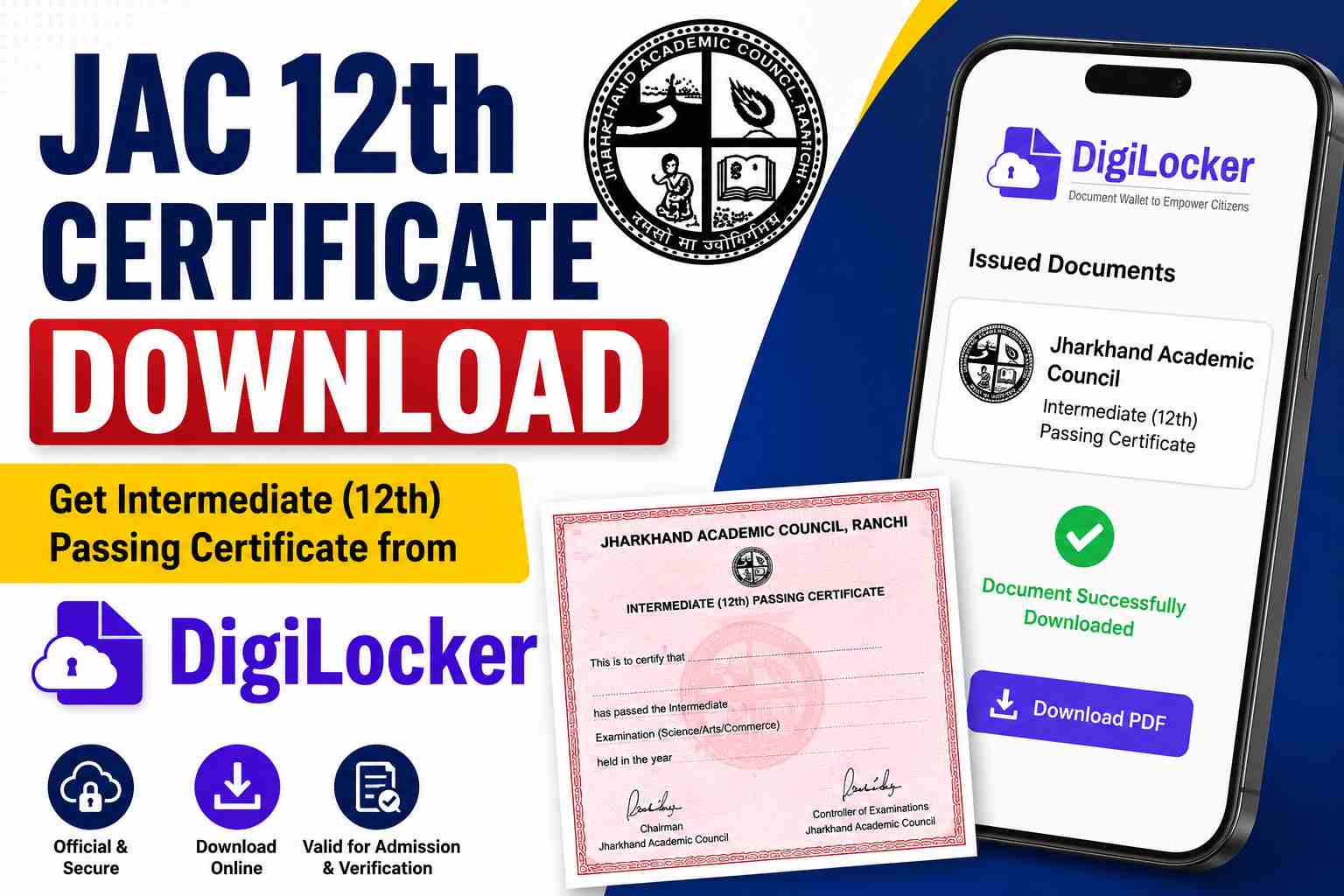
The Jharkhand Academic Council (JAC) provides digital access to Class 12 academic documents through DigiLocker. Students who have passed the Intermediate Examination can easily download their JAC 12th Passing Certificate online without visiting their school or board office.
The digital certificate available on DigiLocker is officially verified and accepted for college admissions, scholarship applications, competitive examinations, document verification, and government recruitment processes. Students can access their certificate anytime using their DigiLocker account and examination details.
JAC 12th Certificate Overview
| Board Name | Jharkhand Academic Council (JAC) |
| Examination | Class 12 (Intermediate) |
| Platform | DigiLocker |
| Document Type | Passing Certificate |
| Access Mode | Online |
| Login Method | Mobile Number, Aadhaar, DigiLocker Account |
| Certificate Status | Digitally Signed & Verified |
| JAC WhatsApp Channel | Click Here |
| Digilocker Sign up/Sign Window | https://www.digilocker.gov.in/web/signup |
| Digilocker Website | https://www.digilocker.gov.in/ |
How to Download JAC 12th Certificate from DigiLocker?
Students can download their Intermediate Passing Certificate by following the steps below:
- Visit the DigiLocker website or install the DigiLocker mobile app.
- Login using your registered mobile number or DigiLocker credentials.
- Navigate to the Issued Documents section.
- Select Jharkhand Academic Council (JAC) from the available list.
- Choose Class XII Passing Certificate.
- Enter your Roll Number, Roll Code, and Passing Year.
- Click on Get Document.
- Your JAC 12th Certificate will appear on the screen.
- Download and save the PDF copy for future use.
Students who are using DigiLocker for the first time must complete the registration process before accessing their documents.
Documents Available for JAC 12th Students
Apart from the passing certificate, students can also access other important academic documents online.
| Document | Availability |
|---|---|
| JAC 12th Passing Certificate | Available |
| JAC 12th Marksheet | Available |
| JAC Migration Certificate | Available |
| Academic Records | Available |
Details Required to Download JAC 12th Certificate
Students should keep the following information ready before downloading the certificate:
- Roll Number
- Roll Code
- Passing Year
- Registered Mobile Number
- DigiLocker Login Details
Entering correct information is necessary to successfully access the document.
Is the JAC 12th DigiLocker Certificate Valid?
Yes, the DigiLocker-issued JAC 12th Certificate is a government-recognized and digitally signed document. It carries the same validity as the original certificate issued by the Jharkhand Academic Council.
The certificate can be used for:
- Undergraduate Admissions
- University Verification
- Scholarship Applications
- Government Job Applications
- Competitive Examinations
- Academic Documentation
What If You Have Lost Your Original JAC 12th Certificate?
Students who have misplaced or lost their original certificate can use the DigiLocker version as a valid digital copy for most academic and verification purposes.
The digital certificate helps students avoid delays during admissions and document verification while waiting for a duplicate certificate from the board.
Common Problems While Downloading JAC 12th Certificate
Some students may face technical issues during the download process.
- Incorrect Roll Number
- Wrong Roll Code
- Login Issues
- OTP Verification Failure
- Temporary Server Errors
Students should verify all details carefully before submitting their request.
Benefits of Downloading JAC 12th Certificate Online
Using DigiLocker offers several advantages to students.
- Instant online access
- Secure digital storage
- Officially verified document
- Easy sharing and verification
- Available 24×7
- Reduced risk of losing physical documents
Students are advised to download and save both digital and printed copies of their JAC 12th Passing Certificate for future academic and professional requirements.