
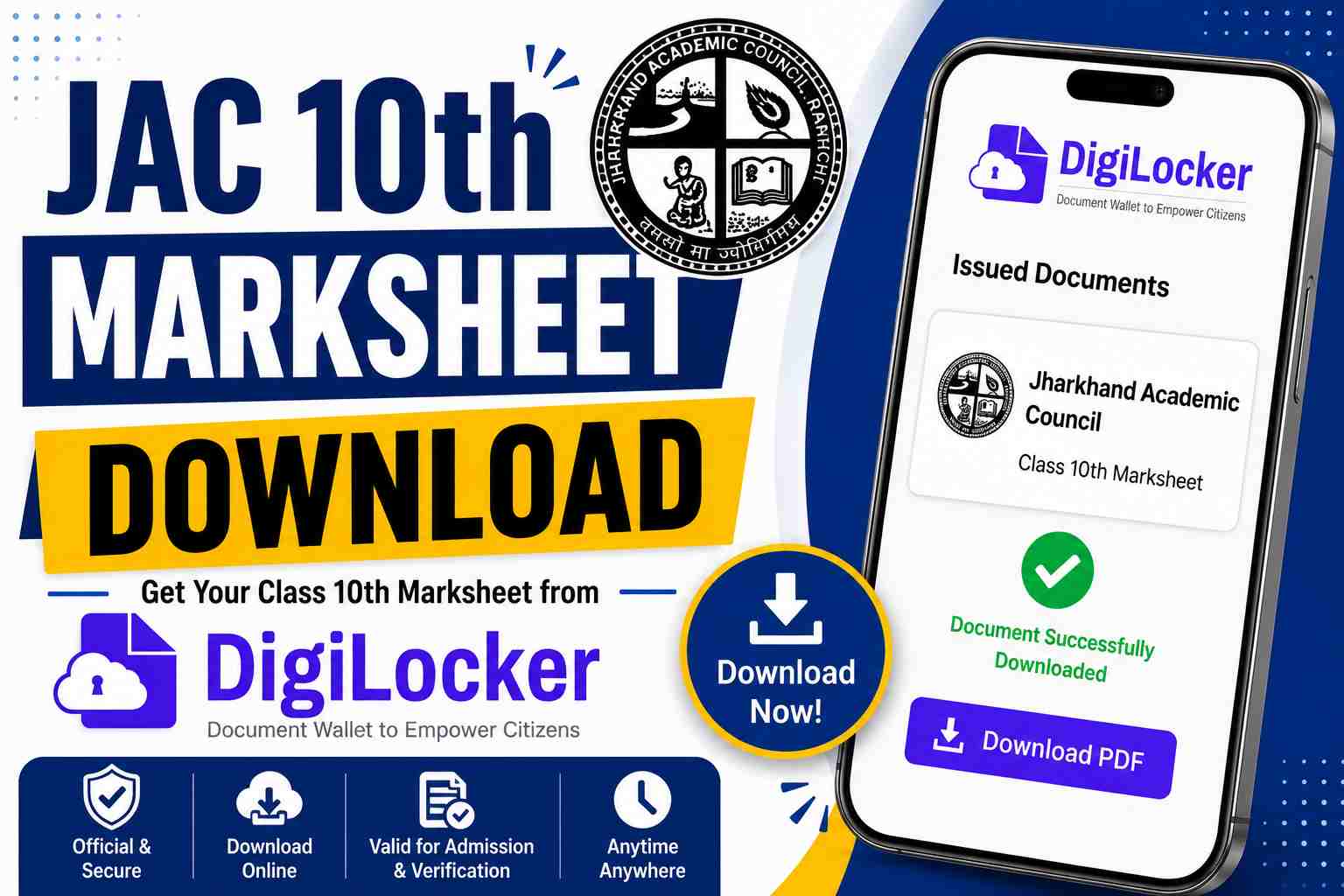
Students who have passed the Jharkhand Academic Council (JAC) Class 10 Board Examination can download their digital marksheet online through DigiLocker. The digital marksheet is an officially verified document and can be used for admissions, scholarships, competitive examinations, document verification, and other educational purposes.
DigiLocker is a secure digital document platform developed by the Government of India that allows students to access important academic records online. JAC uploads Class 10 marksheets and certificates to DigiLocker, enabling students to download their documents anytime without visiting their schools.
JAC 10th DigiLocker Marksheet Overview
| Board Name | Jharkhand Academic Council (JAC) |
| Examination | Class 10 (Matric) |
| Platform | DigiLocker |
| Document Type | Digital Marksheet |
| Access Mode | Online |
| Login Method | Mobile Number, Aadhaar, DigiLocker Account |
| JAC WhatsApp Channel | Click Here |
| Digilocker Sign up/Sign Window | https://www.digilocker.gov.in/web/signup |
| Digilocker Website | https://www.digilocker.gov.in/ |
How to Download JAC 10th Marksheet from DigiLocker?
Students can follow the simple steps below to download their Class 10 marksheet online:
- Open the DigiLocker website or mobile application.
- Login using your registered mobile number, Aadhaar number, or DigiLocker username and password.
- After logging in, go to the Issued Documents section.
- Select Jharkhand Academic Council (JAC) from the list of education boards.
- Choose Class 10 Marksheet or Matric Marksheet.
- Enter your Roll Number, Roll Code, and Passing Year.
- Click on Get Document.
- Your JAC 10th marksheet will appear on the screen.
- Download and save the PDF for future reference.
Students who have not registered on DigiLocker can create a new account using their mobile number and OTP verification.
Details Required to Download JAC 10th Marksheet
Students should keep the following information ready before downloading the marksheet:
- Roll Number
- Roll Code
- Passing Year
- Registered Mobile Number
- DigiLocker Login Credentials
Providing correct details is necessary to access the document successfully.
JAC 10th Marksheet PDF Download
Students can access the following documents through DigiLocker:
| Document | Download |
|---|---|
| JAC 10th Marksheet PDF | Download PDF |
| JAC Matric Passing Certificate | Download PDF |
| JAC Migration Certificate | Download PDF |
Is the DigiLocker JAC 10th Marksheet Valid?
Yes, the DigiLocker marksheet is a digitally signed and government-recognized document. It carries the same validity as the original marksheet issued by the Jharkhand Academic Council.
Students can use the digital marksheet for:
- Class 11 Admissions
- Scholarship Applications
- Competitive Examinations
- Government Verification Processes
- Academic Documentation
Common Issues While Downloading the Marksheet
Students may occasionally face technical issues while accessing their documents. Common reasons include:
- Incorrect Roll Number or Roll Code
- OTP Verification Failure
- Login Errors
- Wrong Passing Year Selection
- Temporary Server Issues
Students should carefully verify all entered information before submitting their request.
Benefits of DigiLocker for JAC Students
DigiLocker offers several benefits for students:
- Instant access to marksheets and certificates
- Safe digital storage of academic documents
- Easy sharing with schools and institutions
- Government-recognized records
- Available anytime and anywhere
- Reduced risk of losing physical documents
Students are advised to download and save their JAC 10th marksheet as soon as it becomes available on DigiLocker. Keeping both digital and printed copies can be helpful during future admissions and document verification processes.